


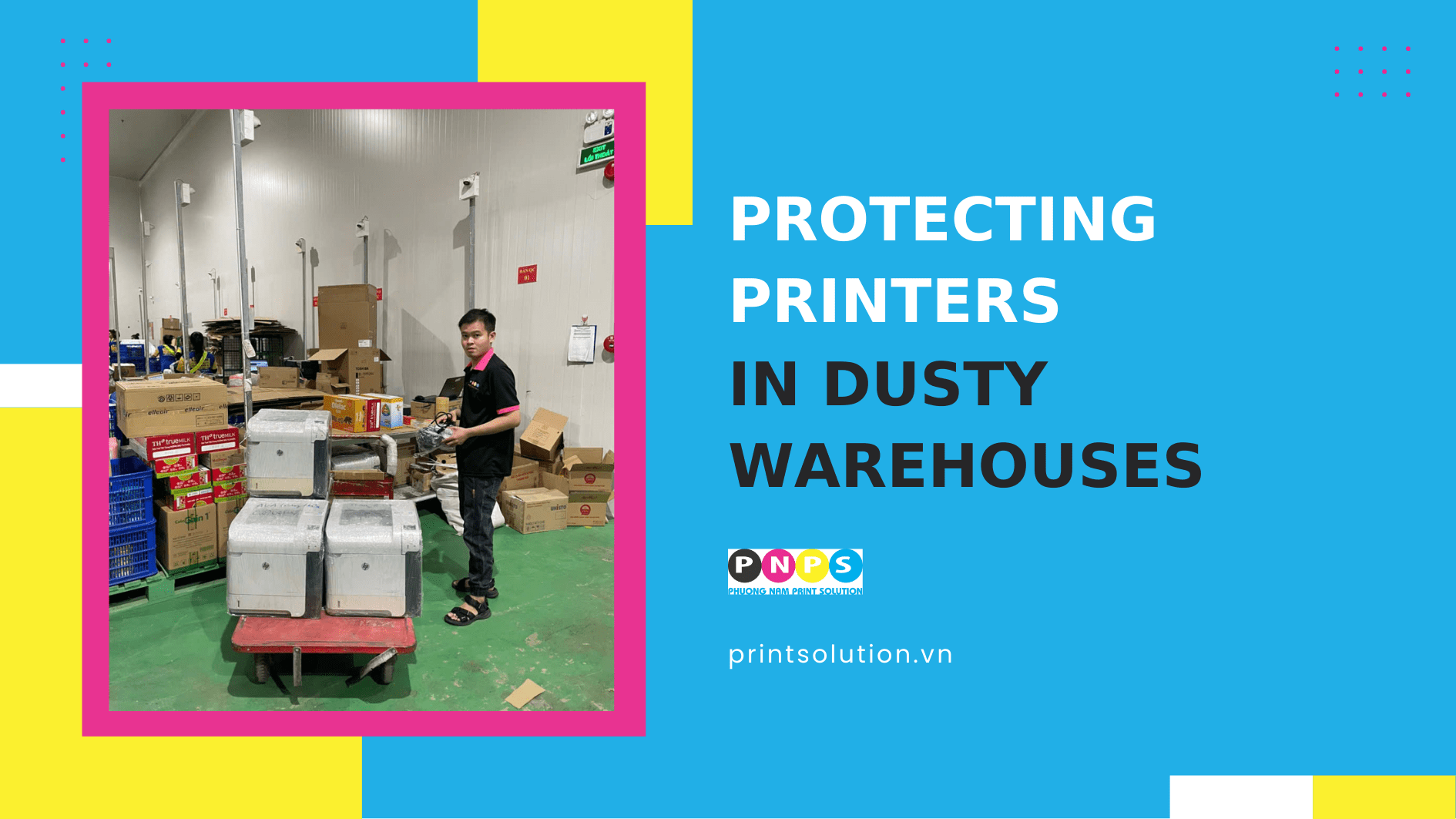
Why do printers in warehouses deteriorate faster?
According to statistics from the U.S. Chemical Safety Board, 281 dust-related fire and explosion incidents occurred between 1980 and 2005, resulting in 119 deaths and 718 injuries. This highlights that printers operating in dusty environments are also highly vulnerable to damage. Common problems include:
- Paper jams and misfeeds
Dust buildup on feed/pressure rollers causes slippage, skewing, or clumps that block optical sensors, increasing the frequency of jams.
- Decreased print quality & ghosting
Fine dust inside the paper path and drum chamber contaminates toner cartridges, coating the drum or optical shaft. This leads to black spots, gray streaks, or repeated ghost images, directly affecting clarity and aesthetics.
- Fuser damage
When paper passes through the high-temperature fuser, dust and paper fibers can burn and stick to the fuser film or roller, eventually causing burns, tears, and a burnt odor.
- Heat buildup & reduced component lifespan
Dust blocking air vents and cooling fans prevents heat from dissipating, shortening the life of circuit boards and other electronics.
- Corrosion of electrical connections & sensors
When dust mixes with moisture, it forms a mildly conductive layer, oxidizing pins, connectors, and sensor lenses, resulting in intermittent, hard-to-diagnose errors.
How to recognize dust-affected printers
Dust isn’t always visible, but early warning signs include:
- Frequent paper jams, especially during the initial feed or just before output.
- Declining print quality with black spots, gray streaks, ghosting, or smeared text.
- Louder-than-usual fan noise or faster heating.
- A faint burnt smell from the fuser area, especially during continuous printing.
- Intermittent paper sensor or fuser errors, even after recent maintenance.
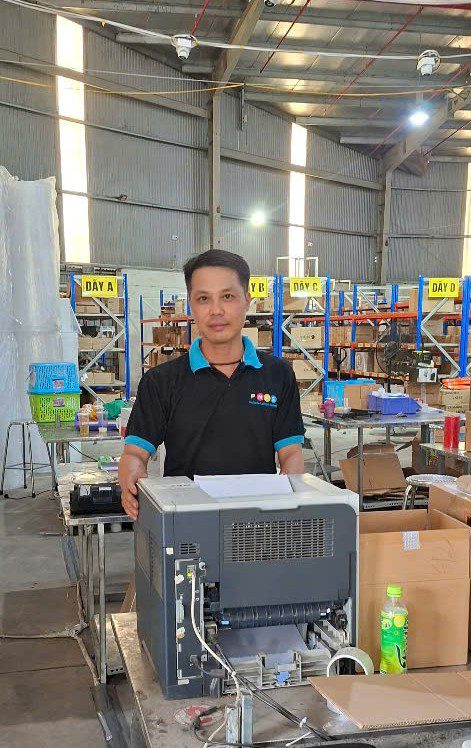
If you notice 2–3 of these signs, your printer may already be significantly affected by dust and requires immediate protection.
5 reliable technical solutions to protect printers in dusty warehouses
1) Strategic placement
Location greatly impacts dust exposure. Keep printers as far from dust sources as possible.
- Avoid placing them near loading docks, packing stations, strapping areas, or conveyor belts.
- Keep them out of direct airflow from industrial fans, exhausts, or air conditioners.
- If space is limited, use dust partitions, curtains, or place them in low-traffic areas.
2) Protective covers
- Use properly designed dust covers at paper trays, without blocking vents.
- Keep unused paper trays closed; store paper in sealed bags or boxes.
3) Consumables management
- Choose stable-weight, smooth-surface, low-fiber paper; store it sealed and dry.
- Avoid low-quality recycled paper that produces excess paper dust.
- Use high-quality toner to reduce coarse residue.
4) Power, network, and cooling
- Use a voltage stabilizer/UPS to prevent overheating or sudden shutdown damage.
- Ensure rear/side vents are unobstructed; clean fan filters regularly.
5) High-volume printing solutions
- Distribute workload between two printers instead of overloading one.
Dust-resistant operation & maintenance checklist
Daily (end of shift):
- Remove debris and vacuum around the printer.
- Close all paper trays and seal leftover paper.
Weekly:
- Wipe surfaces, handles, and paper trays with a well-wrung damp cloth.
- Clean paper feed rollers.
Monthly:
- Clean paper paths, sensors, and guides.
- Inspect fuser film/roller for burns or peeling.
- Record paper jam incidents, fuser errors, and print quality changes to track patterns.
By consumable cycle:
- Perform scheduled maintenance: remove and clean the print unit, fuser, and fans under controlled dust removal conditions.
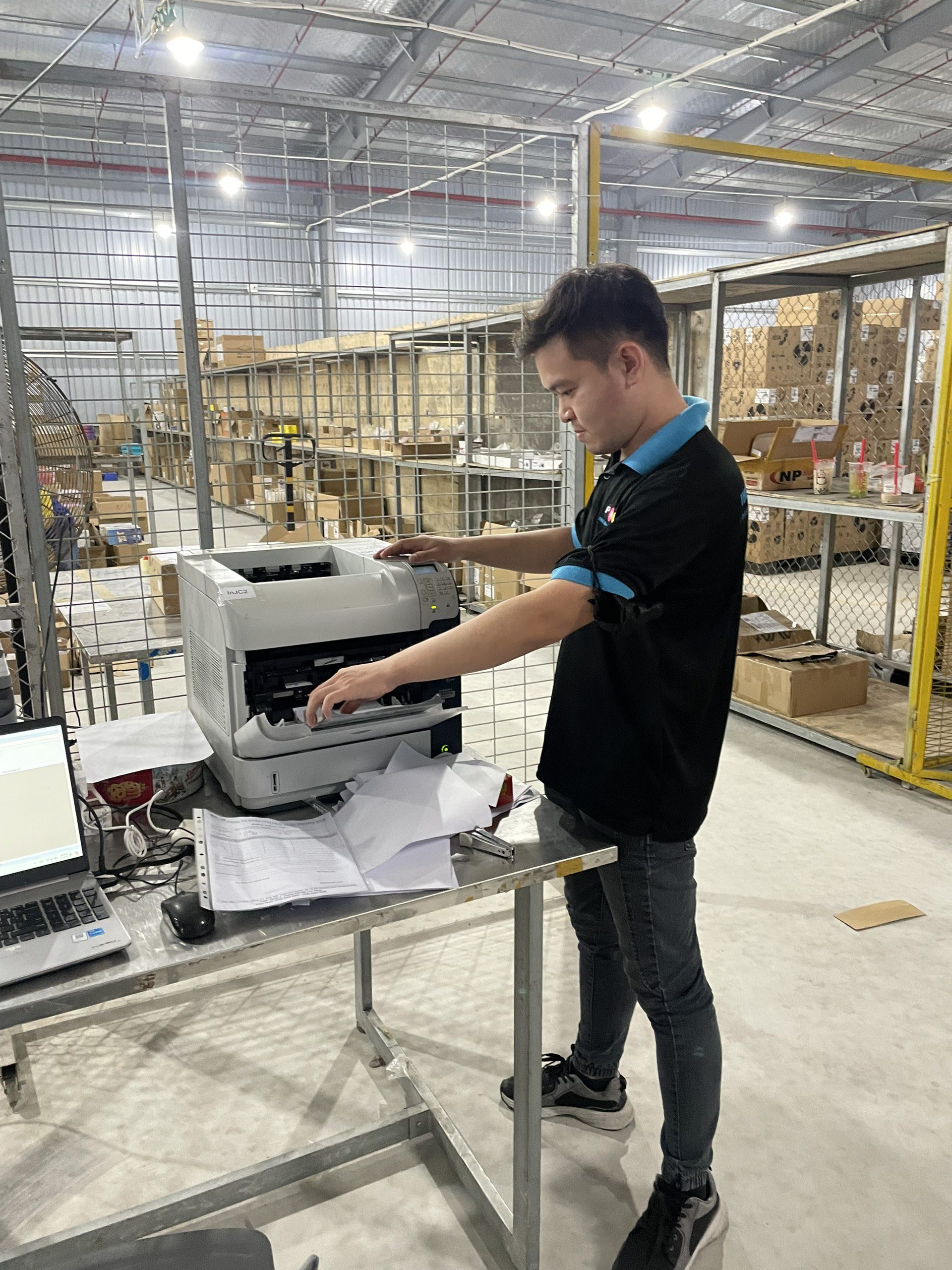
In dusty warehouses, the “secret” to long-lasting printer performance isn’t replacing more parts, it’s systematic dust control: correct placement, proper shielding, effective filtration, and regular maintenance. Small but smart changes can reduce downtime, extend equipment life, and save substantial costs for businesses.
————————————————-
📞 Hotline: 028 6660 9898
🏢 Head Office: 72 Lê Thánh Tôn, Bến Nghé Ward, District 1, Ho Chi Minh City
🌐 Website: https://printsolution.vn/home_vn/