

Criteria for choosing printers in educational environments
Today, many schools are accelerating the use of digital documents. However, the demand for paper printing remains high: a survey by K-12 DIVE shows that in the 2023–2024 school year, although 70% of teachers agreed that digital materials are more flexible, the majority still preferred printed documents in classrooms. This indicates that educational institutions should maintain an efficient, secure, and cost-effective printing infrastructure.
In schools or training centers, printers must handle multiple scenarios, from printing exams to administrative records. Therefore, when choosing a device, prioritize:
- Durability & stable speed: Able to handle peak loads (before exams, enrollment periods, etc.).
- Multifunctionality & ease of use: Print/scan/copy on the same device, intuitive control panel, wireless connectivity support.
- Cost management: Common toner cartridges, automatic duplex printing, draft/toner-saving mode.
- Security & administration: Task locks, user restrictions, print reports.
- Paper trays & handling: Large tray capacity, manual feed for letterheads/envelopes, reduced paper jams.
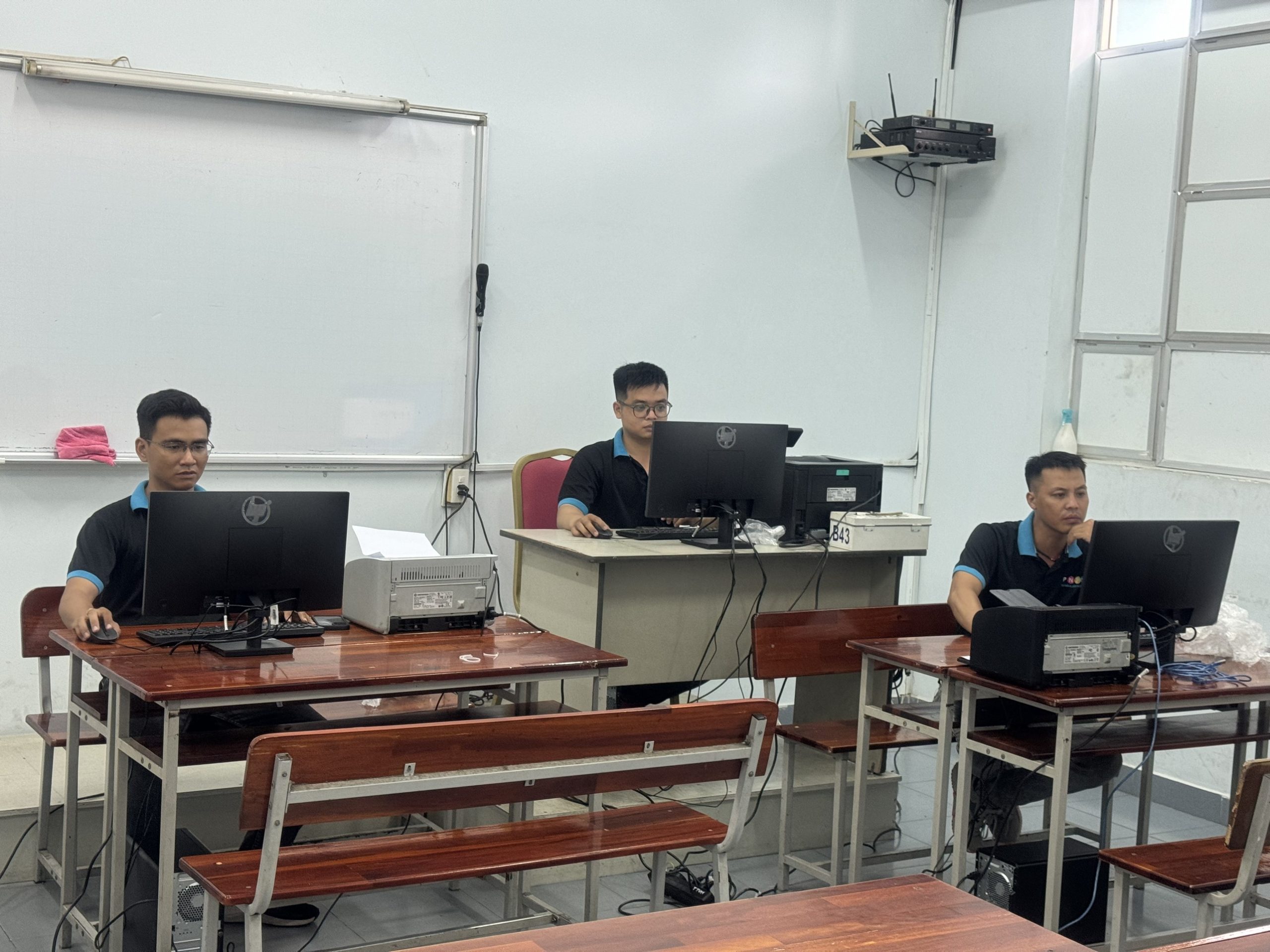
3 HP printers suitable for schools and training centers
1) HP LaserJet Pro M426 (MFP Series – Multifunction)
A multifunction printer (print, copy, scan) suitable for school offices, training departments, or testing centers. The M426 series stands out for strong performance, meeting daily printing needs, and being especially useful for digitizing records.
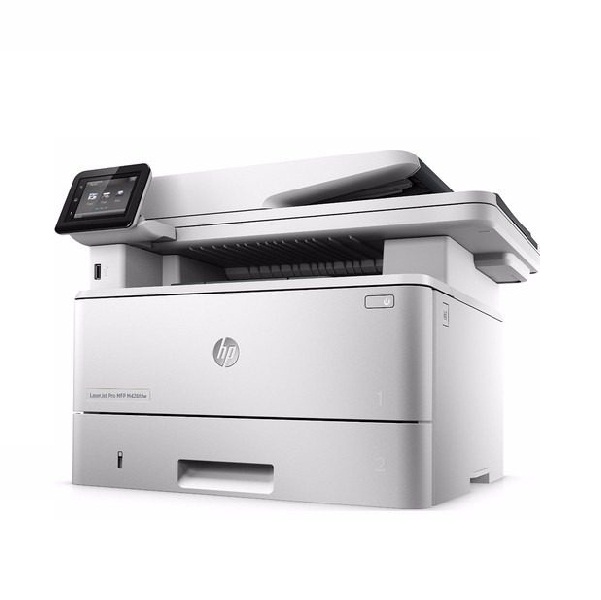
Key advantages:
- Fast print/scan/copy with ADF for multi-page scanning.
- Automatic duplex printing saves paper for internal course materials.
- USB/LAN/Wi-Fi connectivity (depending on model), convenient for printing from laptops/phones.
2) HP LaserJet P1102w
The P1102w is a compact black-and-white laser printer, easy to place on a teacher’s desk or in subject-specific rooms. With wireless connectivity, multiple computers in a classroom can send print jobs quickly, without messy cables.
.jpg)
Key advantages:
- Compact design, quick startup, minimal space usage.
- Wi-Fi (“w” version) is convenient for flexible classrooms and workspaces.
- Ideal for printing tests, worksheets, and short announcements.
3) HP LaserJet Pro M401
The M401 series focuses on medium-volume black-and-white printing. With a large paper tray, it reduces the need for frequent paper reloading, making it suitable for printing outlines, parent-teacher communication books, and forms.
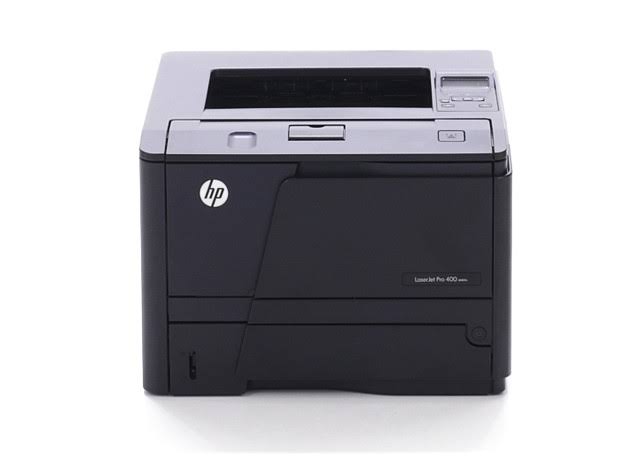
Key advantages:
- Large paper tray, supports common paper sizes used in schools.
- Sharp prints with consistent toner distribution for administrative documents.
- Built-in toner/power-saving modes to control costs.
- Integrated duplex printing to save paper.
Quick comparison by needs
- Classrooms/departments, limited space, printing tests/worksheets: HP LaserJet P1102w (compact, easy to use, fast enough).
- Administrative office needing to scan/store records and print continuously: HP LaserJet Pro M426 (MFP) (multifunction, ADF, duplex).
- Training/testing departments requiring large paper trays and consistent printing: HP LaserJet Pro M401 (stable, fewer reloads).
👉 If schools/businesses want to optimize upfront costs, consider monthly printer rental packages that include toner, regular maintenance, and backup devices during exam periods. This solution helps schools and training centers manage budgets more effectively.
———————————————-
📞 Hotline: 028 6660 9898
🏢 Head Office: 72 Lê Thánh Tôn, Bến Nghé Ward, District 1, Ho Chi Minh City
🌐 Website: https://printsolution.vn/home_vn/