


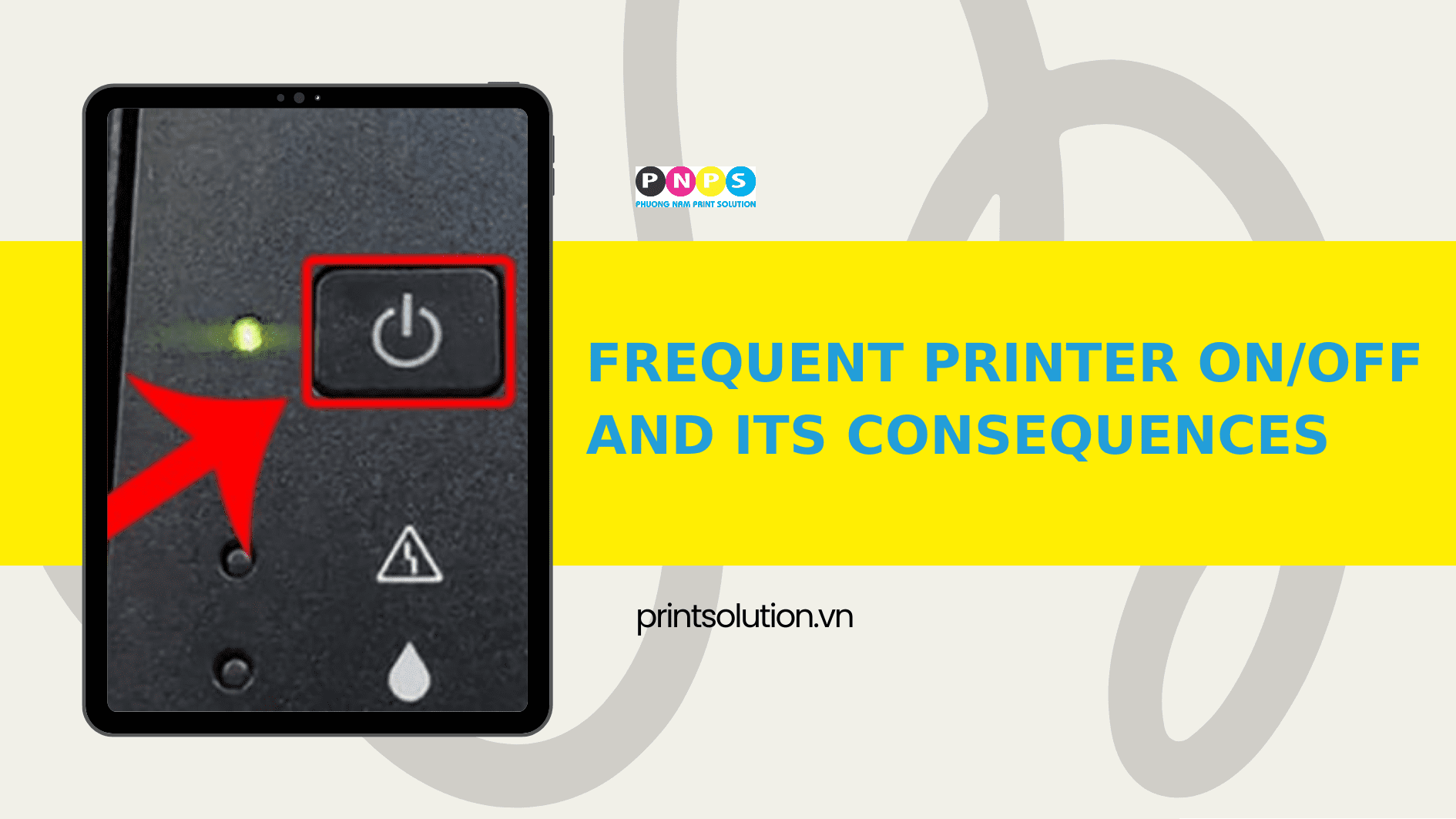
Why does frequent on/off “wear down” your printer?
1) Inrush current & voltage fluctuation
Every time you press the Power button, the PSU absorbs an inrush current to charge filter capacitors.
Frequent switching creates repeated surges, causing localized heating and aging of capacitors, MOSFETs, and diodes. This may lead to capacitor explosions, blown fuses, or short circuits.
Using extension cords, loose outlets, or shared power sources causes voltage fluctuations and raises the risk.
2) Thermal shock to power components
The fuser unit, power supply, and power ICs undergo thermal shock when constantly switching from cold to hot. Repeated thermal cycles cause solder joint fatigue, micro-cracks in circuits, and solder detachment on IC pins. Over time, this leads to issues such as the printer freezing at startup, shutting down unexpectedly, or failing to power on.

IC – Illustrative image.
3) Interrupted boot sequence
Turning the printer on and off too quickly interrupts the boot sequence of the main formatter/firmware. If memory has not finished saving its state, this can cause system errors, sudden power loss during operations that corrupt firmware, faulty sensor readings, or the device getting stuck in a “restart loop.”
4) Unnecessary mechanical wear
Each startup triggers a series of self-tests: rotating the fuser/motor, loading the drum/gears, and heating the fuser. Repeating this many times a day causes bearing and gear wear, increased noise, and shortens the lifespan of rollers, pickup units, and fuser films.

Motor – Illustrative image.
Early warning signs
- Unstable startup, random resets, flickering power light.
- Slight burning smell, swollen capacitors, blown fuses.
- Random 50.x/70.x errors (related to fuser/power) after quick on/off cycles.
- Slow power-up, stuck at the logo or during boot.
Alternative solution
Instead of manually turning the printer on/off repeatedly, use Sleep/Auto-Off mode to reduce power consumption while keeping the device ready to print. According to ENERGY STAR, certified imaging equipment (printers, copiers, scanners) can save up to ~35% energy compared to conventional devices by using less power during operation and especially in idle periods.
The habit of frequently switching a printer on/off may seem like “saving electricity,” but in reality, it trades off component lifespan and increases the risk of power failures, short circuits, and startup issues. By applying Sleep/Auto-Off, shutting down properly, and ensuring clean, stable power, users can both reduce costs and extend their printer’s life.
—————————————————–
👉 For more details, please contact:
📞 Hotline: 02866609898
🏢 Head Office: 72 Lê Thánh Tôn, Bến Nghé Ward, District 1, HCMC
🌐 Website: https://printsolution.vn/home_vn/