


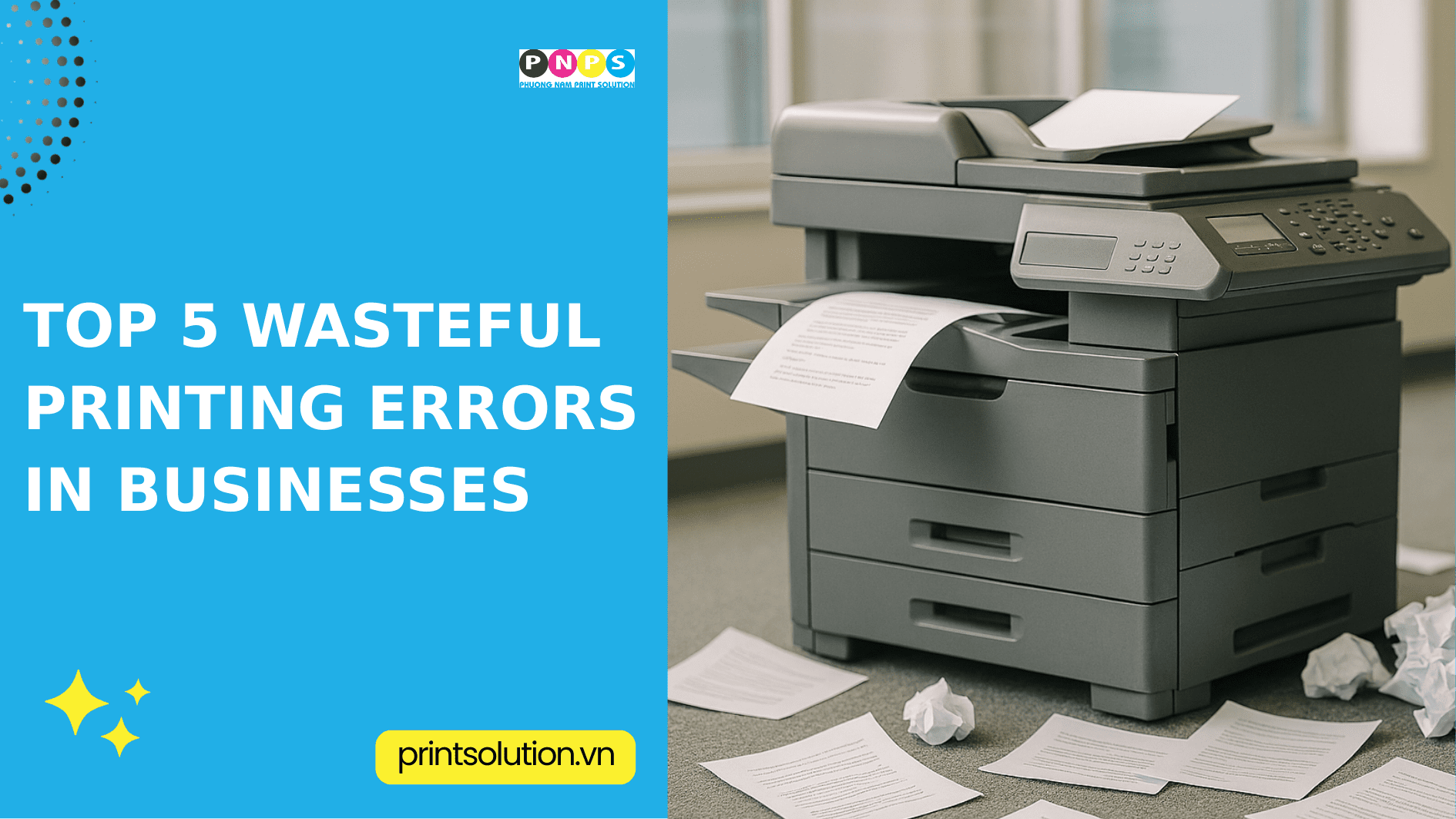
Why is printing waste alarming?
Printing waste has a direct impact on a company’s financial reports. It increases the costs of paper, toner/ink, electricity, wear-and-tear on parts, and even employee working hours.
What’s more dangerous is that these costs often “hide” in the books, showing up in scattered forms such as purchasing extra supplies, service calls, or downtime from inactive printers. As a result, businesses tend to underestimate or overlook them.
However, according to Xerox research, printing expenses can account for 1–3% of a company’s annual revenue. This is not a small number when considering an entire system. Therefore, identifying and fixing wasteful printing errors is essential.
Top 5 Printing Errors that Cause the Most Waste
1) Printing mistakes, excessive test prints, and reprints due to wrong files/settings
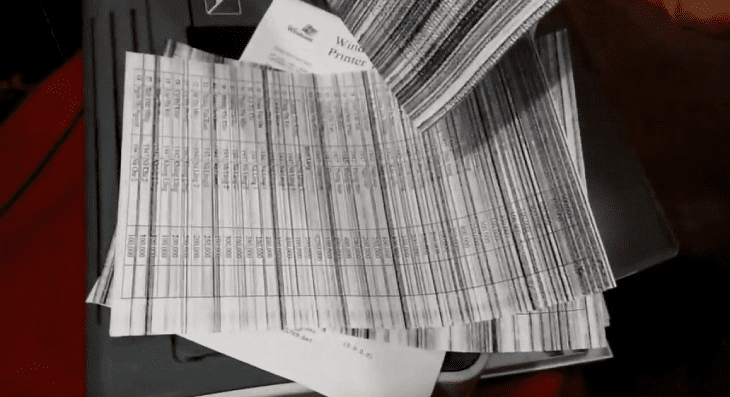
One of the most common causes of waste is mistaken printing or having to reprint multiple times due to incorrect settings. Even a small error like choosing the wrong paper size, font issues, or forgetting to enable duplex printing can result in an entire stack of wasted paper.
This not only wastes paper and toner but also employee time.
Quick fix:
- Always check “Print Preview” (paper size, margins, duplex, grayscale).
- Create printing profiles by department (accounting, legal, sales).
2) Printing in color when unnecessary & single-sided printing
The habit of printing in color and single-sided for documents that are only for internal reading also increases costs. Color toner is more expensive than black-and-white. Moreover, single-sided printing doubles paper consumption.
Quick fix:
- Set print server defaults to black-and-white + duplex.
- Restrict color printing by role (only marketing/management when needed).
3) Printing personal/non-work documents
Many employees use company printers for personal printing. This not only increases supply costs but also risks data leaks if unsafe files are printed.
Quick fix:
- Set page quotas/month and transparent print KPI reports.
- Communicate clear printing policies (content, violations, penalties).
4) Forgotten print jobs
Another frequent mistake is sending a print job and forgetting to pick it up. Abandoned prints clog output trays and increase the risk of data loss. Often, these documents need to be reprinted, wasting twice the resources.
5) Lack of regular maintenance
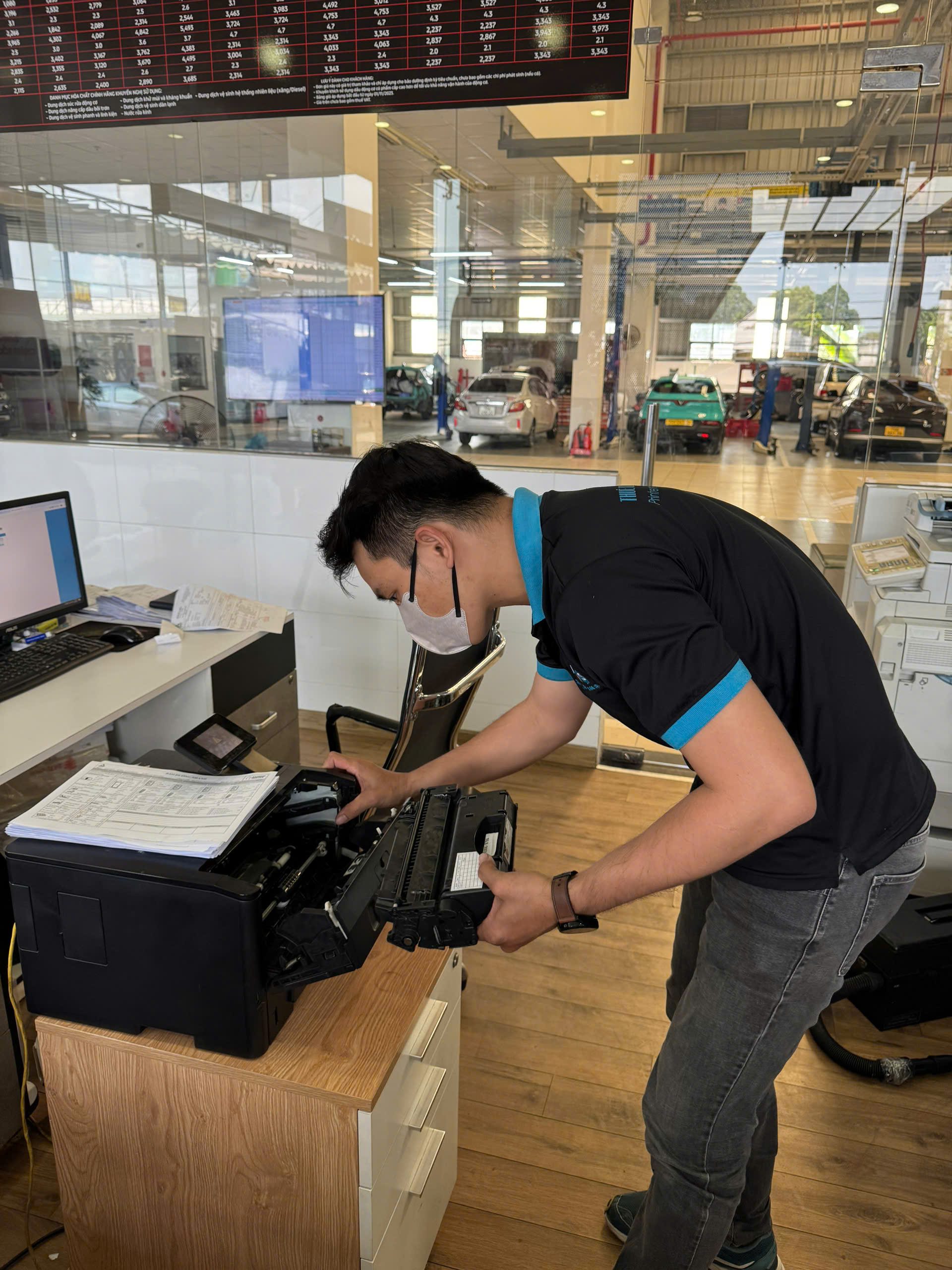
Finally, one of the most overlooked causes of waste is failing to maintain printers. This results in paper jams, toner smears, or poor-quality prints. When printers operate in degraded condition, the number of defective prints increases, forcing reprints.
Delaying maintenance also wears out components faster, driving repair costs higher.
Quick fix:
- Schedule regular maintenance (paper path cleaning, fan cleaning, fuser check).
- Use genuine or high-quality compatible supplies; proper-weight and humidity-controlled paper.
- Place printers in suitable environments: good ventilation, stable temperature & humidity, stable power supply.
———————————————————
👉 For more details, please contact:
📞 Hotline: 02866609898
🏢 Head Office: 72 Lê Thánh Tôn, Bến Nghé Ward, District 1, Ho Chi Minh City.
🌐 Website: https://printsolution.vn/home_vn/