


Why dust is a hazard for printers/photocopiers
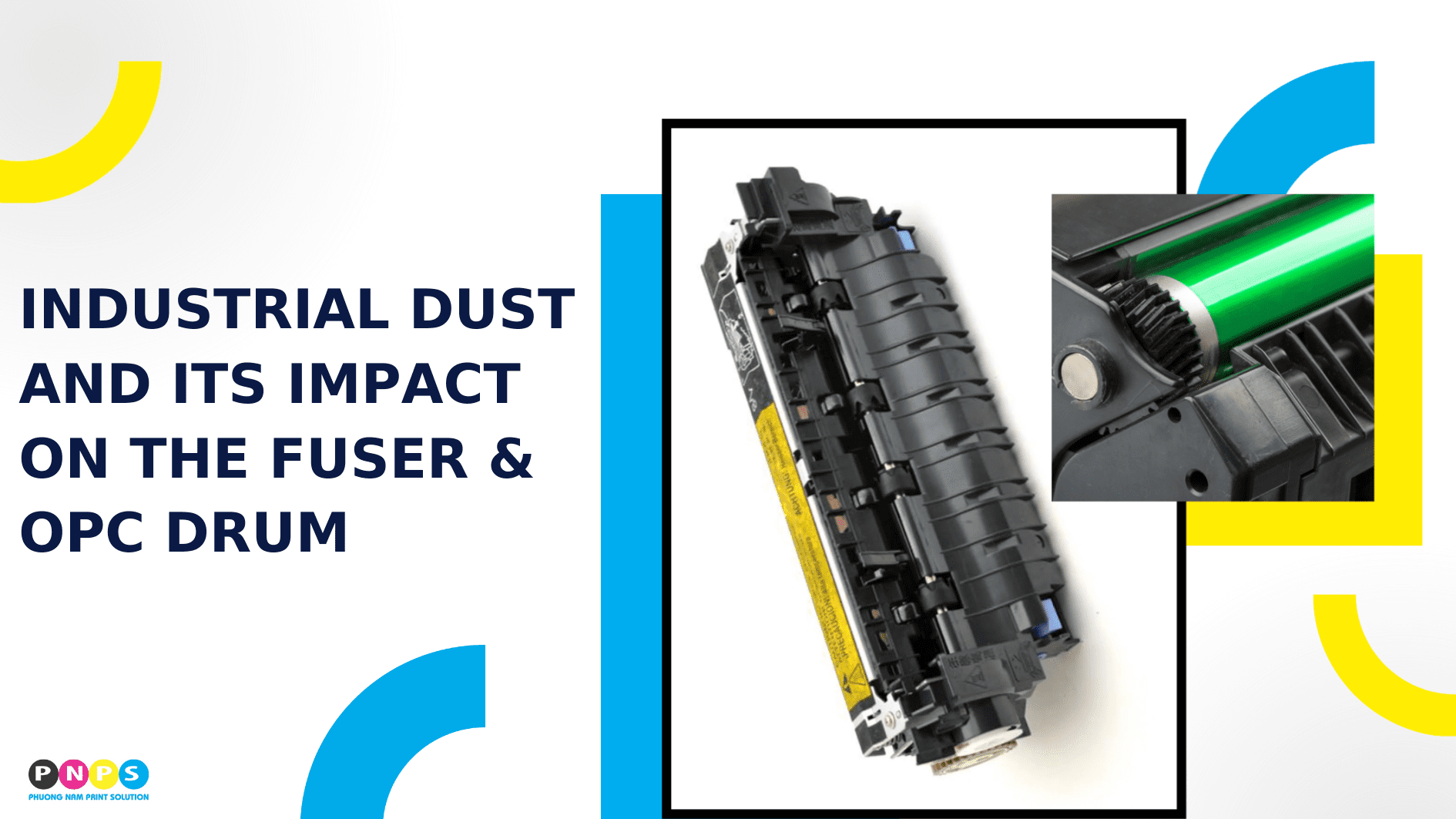
Industrial dust is not only a hygiene or health concern. In production environments, dust is also the “culprit” behind equipment failures, especially with sensitive components like the fuser and OPC drum.
According to a report by Dust Safety Science, there were 263 combustible dust-related fires and 53 explosions recorded globally, resulting in 94 injuries and 62 fatalities. Even when it does not cause fires or explosions, dust still reduces the performance and lifespan of printers/photocopiers.
How dust affects the fuser and OPC drum
1. Fuser – a heat zone that attracts dust
- The fuser uses heat and pressure to “melt” toner particles, ensuring they adhere firmly to paper. In dusty environments, heat transfer efficiency is significantly impacted:
- Dust accumulation on the heat roller (sleeve) creates an insulating layer, forcing the printer to heat up longer and at higher temperatures.
- Increased friction from dust scratches on the pressure roller surface, causing paper jams after fusing.
- Cooling fans clogged with dust lead to heat buildup and overheating warnings.
As a result, prints may have smudges, uneven gloss, or toner that peels off easily. Warm-up time also becomes noticeably longer.
2. OPC Drum – a sensitive photoconductive surface
- The OPC drum has a photoconductive coating that can be compromised by even a thin layer of dust:
- Hard dust (metal, minerals) causes micro-scratches, leading to repeated streaks or dots along the drum’s circumference.
- Moist, conductive dust causes electrical leakage, creating gray backgrounds or ghosting.
- Dust containing oil or mild chemicals damages the OPC coating, shortening drum life.
Types of dust and their specific damage
Not all dust is the same, and each type causes harm differently:
- Coarse dust (wood, cardboard, fabric): Causes paper jams and wears down mechanical surfaces.
- Fine dust (PM2.5, oil mist): Sticks to electronics and sensors, disrupting temperature readings.
- Conductive dust (fine metals): Can cause short circuits and burn marks on prints.
- Mineral dust (cement, silica): Hard particles that heavily abrade the drum and sleeve.
Recognizing the type of dust common in your environment helps businesses choose more effective preventive measures.
Hidden costs of not controlling dust
Industrial dust increases printer operating costs in multiple ways, beyond consumables:
- Fuser/drum lifespan reduced by 20-40% compared to clean environments.
- Higher electricity usage due to longer warm-up times.
- More downtime from paper jams or overheating.
- Lost opportunity costs when production is interrupted.
These expenses often add up and exceed the cost of investing in dust filtration or regular maintenance.
Solutions to protect printer/photocopier components
Placement:
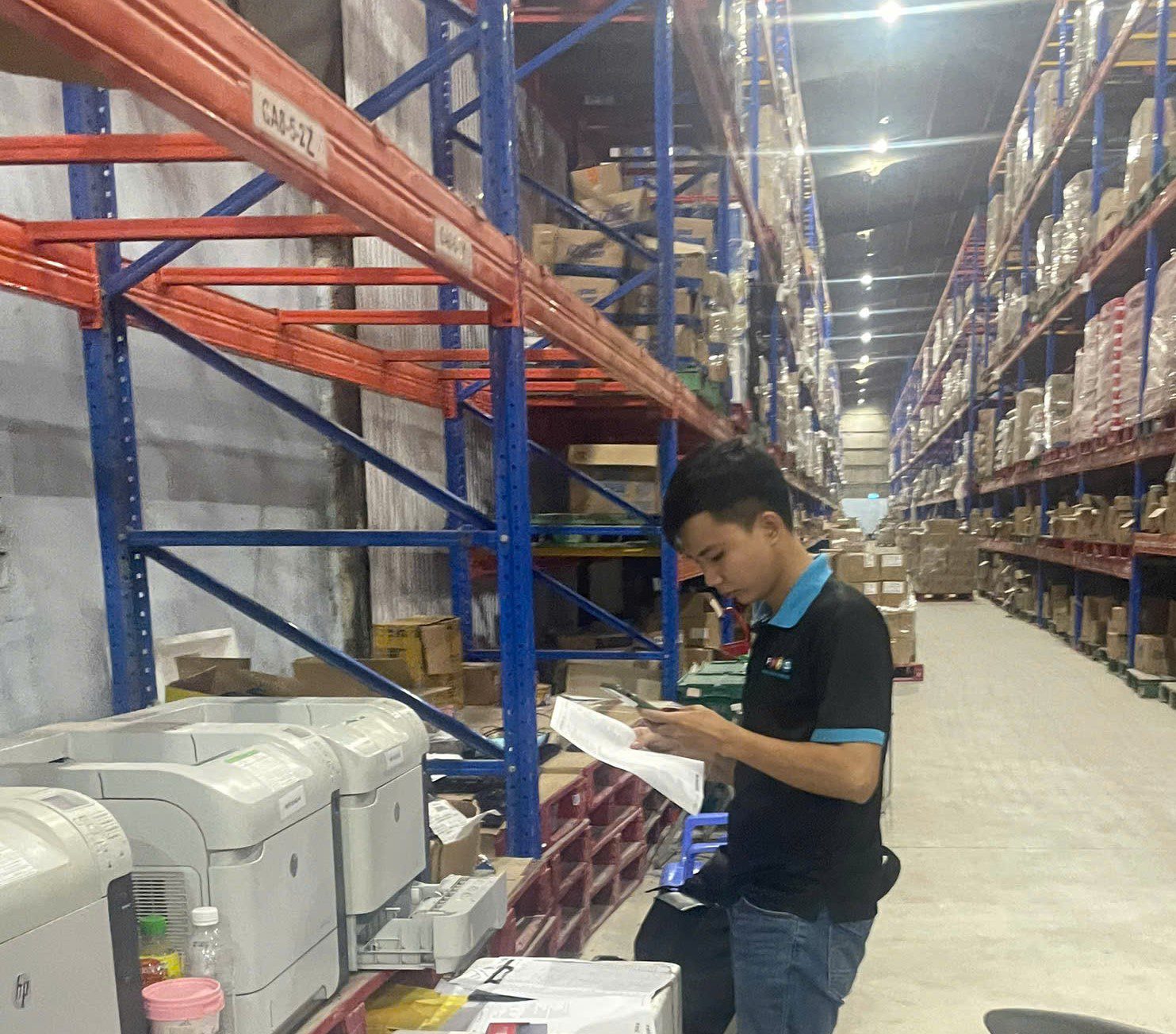
- Keep the machine at least 10–15 meters away from dust sources.
- Use a slightly positive-pressure room or an enclosed cabinet.
Consumables & operation:
- Use low-lint paper, store it in sealed containers, and maintain 45–55% humidity.
- Choose toner and parts designed with dust-resistant seals.
- Keep covers closed and minimize the time paper trays are open.
Maintenance:
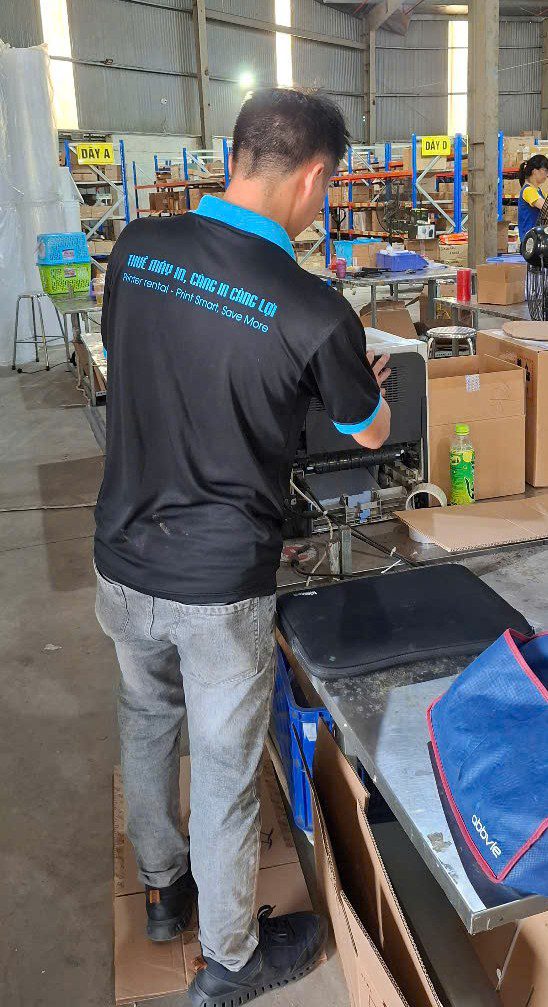
- Shorten cleaning cycles for the fuser, fans, and air ducts.
- Replace heat-resistant grease and clean with appropriate solvents.
Industrial dust doesn’t just lower print quality, it can drastically shorten the lifespan of the fuser and OPC drum. By identifying dust types, applying proper filtration, and maintaining equipment regularly, businesses can reduce downtime, save costs, and ensure printers operate reliably even in harsh environments.
————————————————————–
📞 Hotline: 02866609898
🏢 Head Office: 72 Lê Thánh Tôn, Bến Nghé Ward, District 1, Ho Chi Minh City
🌐 Website: https://printsolution.vn/home_vn/